My Role:
Sr. Product Designer
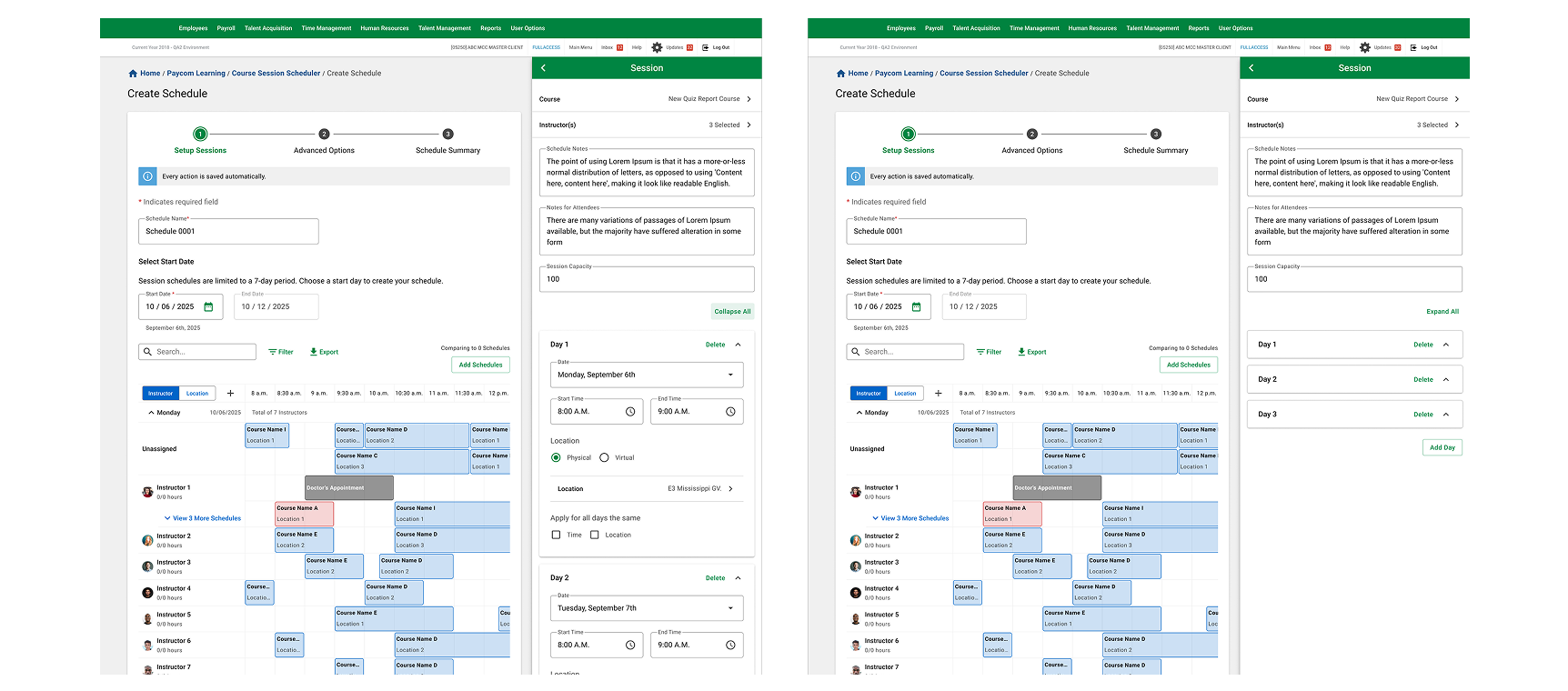
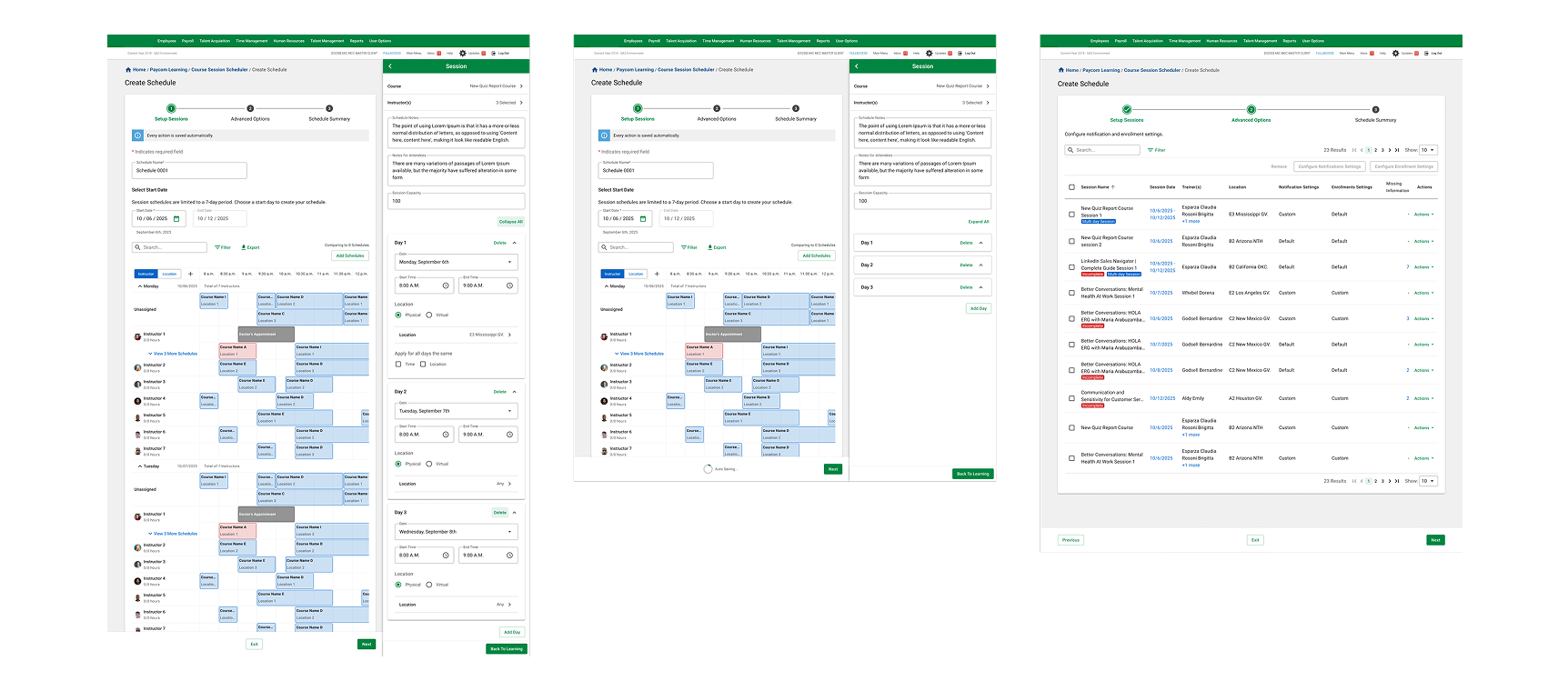
The Course Management Scheduler is a high-velocity SaaS solution engineered to centralize the planning and execution of large-scale, instructor-led training (ILT). Built to replace manual processes, it provides a unified weekly view for complex scheduling across the enterprise.
Problem
Before this intervention, Learning Specialists relied on disconnected spreadsheets to manage hundreds of sessions. This manual approach created significant business risks, including:
* Frequent overlaps in room bookings and trainer availability.
* Inconsistent entry of times, locations, and course codes.
* A lack of a "single source of truth," making real-time adjustments nearly impossible.

Goal

To transition from error-prone manual tracking to a fail-safe digital ecosystem that prevents scheduling conflicts and ensures 100% accuracy in trainer and venue allocation.
Our Users
Our users are Power Administrators managing hundreds of sessions weekly. They require a "zero-error" interface that provides preventative feedback rather than reactive corrections.

To meet an aggressive two-month delivery window, we operated within a high-intensity "War Room" environment.
* I worked closely with the Product Champion and the Development team. While I defined the front-end logic, developers simultaneously built the back-end architecture to ensure a seamless launch.
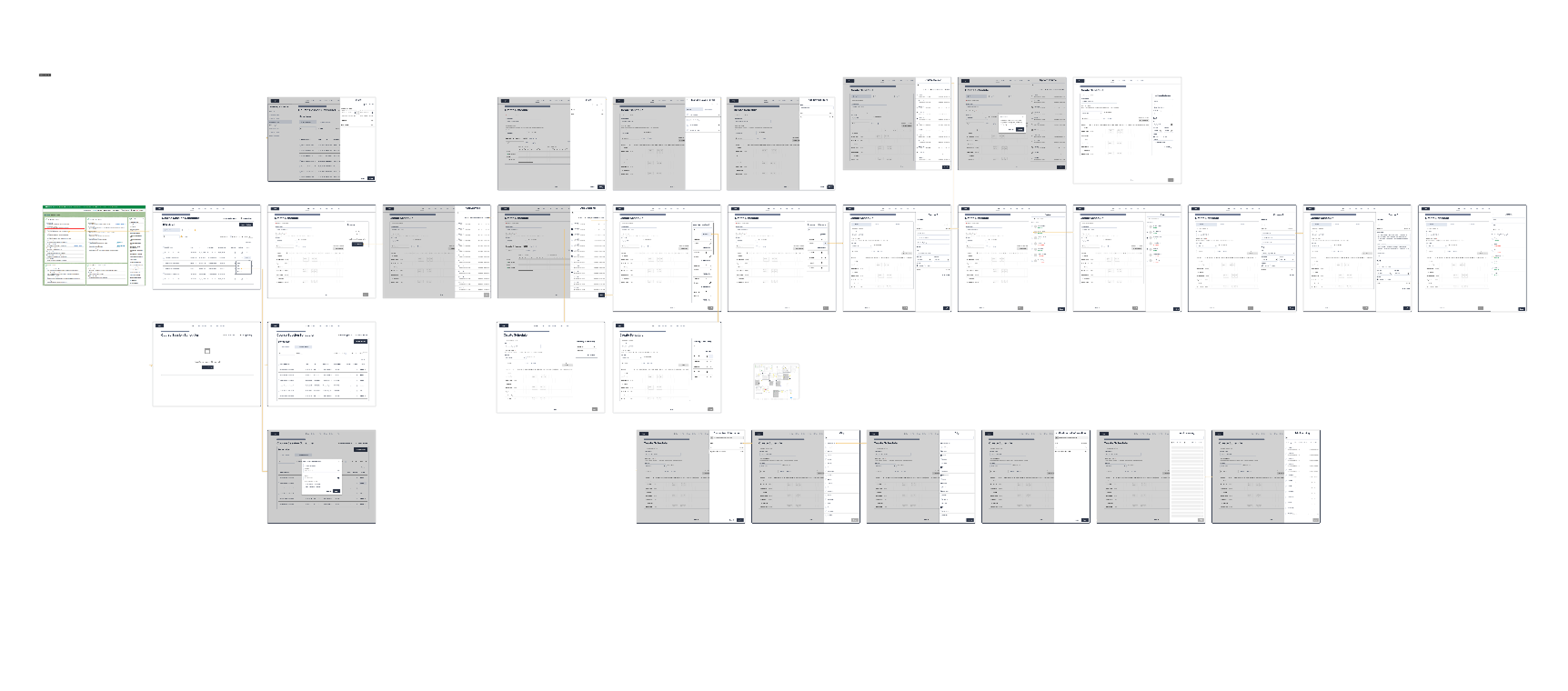
* We bypassed traditional long-form documentation in favor of immediate feedback loops. This allowed us to identify technical constraints early and pivot instantly.
* By working directly with the dev team daily, I ensured every UI component was technically feasible for the immediate build, eliminating the need for costly post-development rework.
The launch of the Scheduler introduced Real-Time Conflict Detection, a game-changer for the department:
* The system now identifies and flags logistical errors (double-booked rooms or unavailable trainers) before the user saves the action.
* Admins reported a newfound sense of security, knowing the system acts as a safety net for their complex weekly planning.
* Following the successful rollout, user trust was so high that they immediately requested advanced integrations with Outlook, validating the product’s essential role in their daily workflow.